
Roll Your Heroes Auto Roll: Setup and Upgrade Guide
Learn how Roll Your Heroes auto roll works, compare roll upgrade prices, and use fusion, luck boosts, and team upgrades to keep your heroes progressing.
Jump to

How to Start Auto Rolling
Roll Your Heroes auto roll keeps heroes coming in while you manage your team and upgrades. That matters because collecting stronger heroes is only part of progression—you also need to equip, level, and fuse them. Accept the auto roll machine when it is offered early in the game to start rolling automatically.
Once the machine is running, open your hero collection and use Equip Best to update your lineup. Keep checking your team as new heroes arrive, especially before spending heavily on levels.
Hero rolling and grade rolling are separate systems. The machine handles hero rolls; the Auto roll option inside grade enhancement rerolls a selected hero’s grade and spends gems.
Roll Speed, Double Roll, and Triple Roll
The upgrade menu includes roll speed alongside other progression upgrades. Check that option while reviewing your spending: faster rolling supports collection, while damage and gold upgrades help your team keep clearing stages.
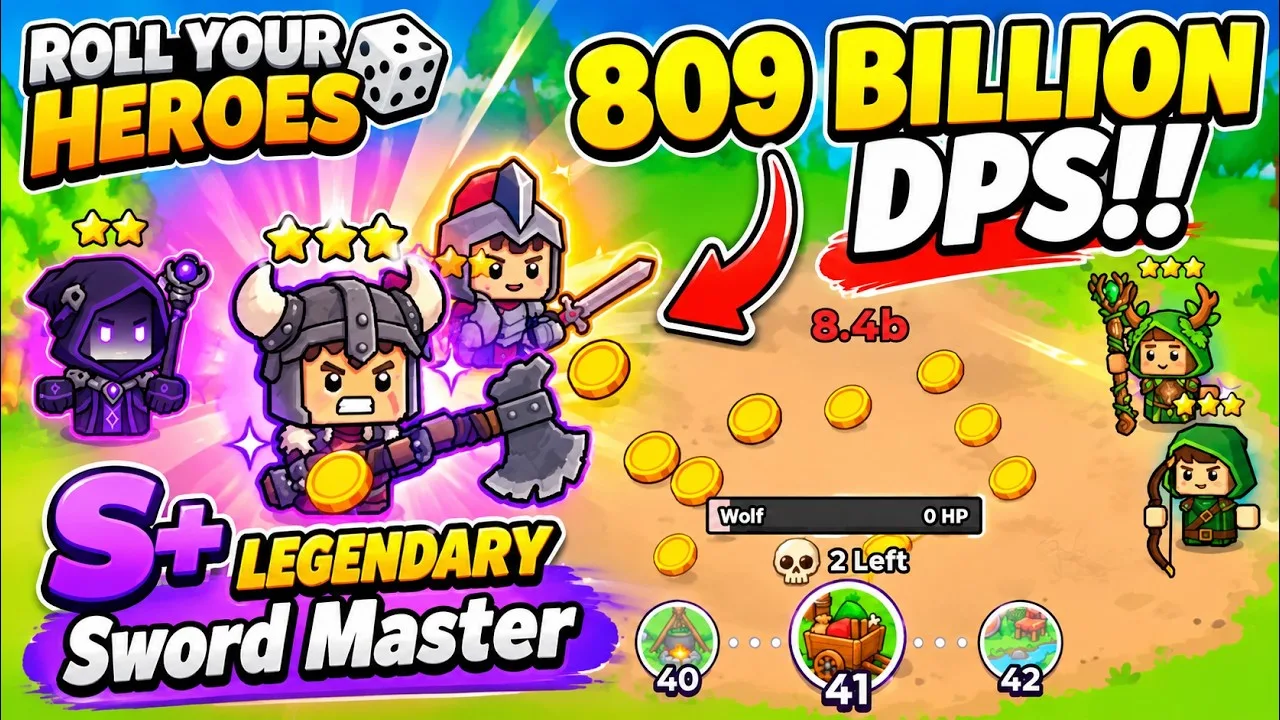
The paid roll and luck passes have these prices:
| Game pass | Price |
|---|---|
| Roll Speed | 259 Robux |
| Double Roll | 299 Robux |
| Triple Roll | 799 Robux |
| 1.5x Luck | 79 Robux |
| 3x Luck | 199 Robux |
Compare each pass’s description inside Roll Your Heroes on Roblox before purchasing. Keep the price comparison separate from your immediate progression needs: if bosses are slowing you down, inspect your team’s levels and available damage upgrades before spending on more rolls.
Turn New Rolls Into a Stronger Team
Automatic rolling supplies heroes, but your lineup still needs attention. Use this loop while working through stages:
- Check new heroes with Equip Best. Revisit your lineup as your collection grows.
- Compare levels before judging damage. An upgraded hero can look stronger than a fresh pull because of the levels already invested.
- Use Fuse All. Fusion increases hero stars.
- Level your chosen team. Use individual upgrades for a specific hero or Level Up Team to upgrade across the lineup.
- Review abilities. Ability scrolls unlock hero abilities, and tower rewards include scrolls.
Avoid judging a hero entirely by its rarity. Levels, stars, and grades also affect the strength of your team. Inspect those upgrades when deciding where to spend your next batch of resources.
Keep an eye on quests during this loop. Rolling, fusing, and leveling appear among quest objectives, so claim completed rewards while you manage your collection.
Improve Luck While the Machine Runs
Dice upgrades provide better luck. The Stone dice is one such upgrade, so check the dice menu alongside your other purchases.
Use small luck potions during rolling sessions, and inspect your trinkets for useful bonuses. Equip a luck trinket when you have one available.
Two additional bonuses are worth building into your routine:
- Join the game’s Roblox group for free potions and x1.1 luck.
- Play with friends for a gold bonus of up to +50%.
The friend bonus boosts gold rather than luck. Put that extra income toward the upgrades your current team needs.
Use Grade Auto Roll With a Gem Budget
Grade enhancement has its own automatic reroll option and a Stop roll at setting. Choose the grades you want it to stop on before starting.
Grade rerolls can replace a stronger grade with a weaker one. Spending gems also does not guarantee an S or S+ result, so set a spending limit before chasing a particular grade.
Claim quest rewards for more gems, and climb the Goblin tower for additional gem rewards. Balance grade attempts against your other upgrades instead of repeatedly spending every new reward on the same hero.
Rebuild Your Lineup After Prestige
Prestige unlocks additional team slots, and the soul tree offers further upgrades. Hero levels reset when you prestige, making that reset a useful opportunity to reassess your collection.
Use Equip Best before leveling again. Previously upgraded heroes can dominate damage comparisons during a run; after their levels reset, review which heroes belong in the new lineup before reinvesting.
Then level the selected team, review your soul-tree purchases, and continue fusing heroes as automatic rolling fills out your collection.
Continue with
 Roll Your Heroes Damage Upgrades: How to Raise DPSRoll Your Heroes damage upgrades explained: level your team, fuse heroes, improve grades, and use prestige bonuses to push through tougher boss fights.
More in Upgrades

Roll Your Heroes Fusion Guide: Stars, Quests & Tips
Learn how Roll Your Heroes fusion increases hero stars, how to use Fuse All, and how fusion quests connect to gems, grades, and stronger team upgrades.
Roll Your Heroes Game Passes: Prices and Upgrade Guide
Compare Roll Your Heroes game passes, from 79 Robux boosts to Triple Roll. See every price, weigh upgrade costs, and explore free luck and gold bonuses.

Roll Your Heroes Gold Upgrades: Earn More, Push Faster
Make Roll Your Heroes gold upgrades count with smart spending tips, hero leveling advice, prestige planning, and ways to boost your gold income in Roblox.
Roll Your Heroes Luck Upgrades: What to Boost First
Explore Roll Your Heroes luck upgrades, from the free group bonus and better dice to luck potions and game passes. Plan your next boost before you roll.
Continue exploring
Join the community
Official channels for news, updates and player help: